
Things to Check Before Choosing a Billing Software
Things to Check Before Choosing a Billing Software
Choosing the right billing software is an important decision for any shop owner. The right system saves time, reduces errors, improves customer experience, and helps you grow your business. The wrong one can slow you down and waste both money and effort.
Whether you run a kirana store, retail outlet, pharmacy, salon, café, or electronics shop, use this practical guide to know exactly what to check before choosing billing software.
Table of Contents
Why Choosing the Right Billing Software Matters
Billing software is no longer just for big stores. Today, small and medium shops in India also need reliable billing systems that:
- Improve speed at the counter
- Reduce manual mistakes
- Support digital payments
- Provide clear reports
Before you invest time and money, here’s everything you must check.
1. Ease of Use (No Tech Skills Needed)
A shop billing system should be easy to use even if you are not tech-savvy.
Check:
- Is the dashboard simple?
- Can new staff learn it quickly?
- Are buttons clearly labeled?
If it’s complicated, you and your staff will waste time learning and fixing mistakes.
2. Fast Billing Performance
During busy hours, billing speed matters a lot.
Ask:
- How fast can bills be generated?
- Does it lag when many items are added?
- Is it smoother than manual billing?
Slow software creates long queues and customer frustration.
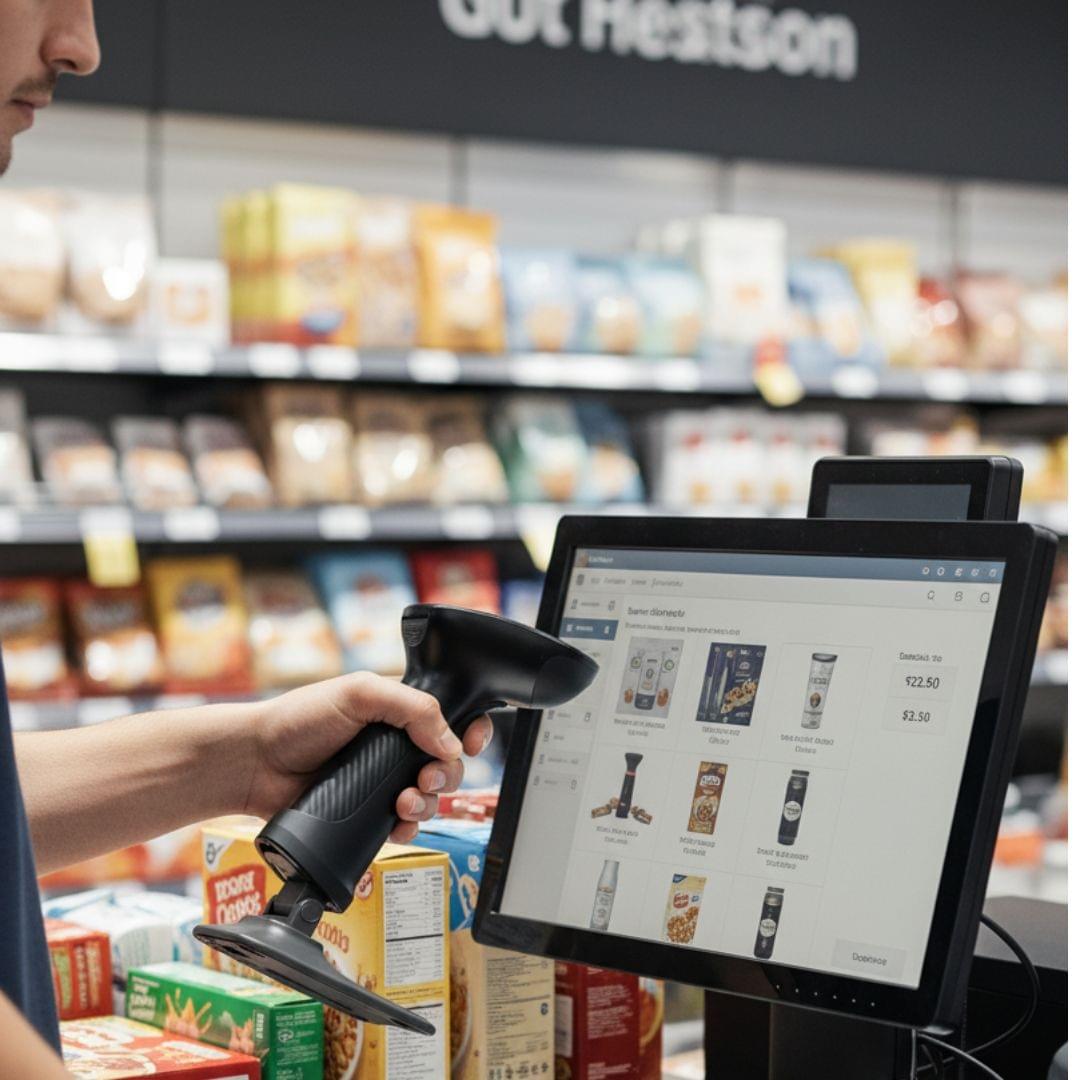
3. Multiple Payment Options Support
Modern customers expect digital payments.
Check whether the billing software supports:
- UPI
- QR code payments
- Card payments
- Cash payments
A system that integrates all payment types reduces confusion at the counter.
4. Accurate Tax Calculation
Tax rules (GST, VAT) vary by product and category.
Make sure the system:
- Applies correct tax rates automatically
- Updates tax rules when needed
- Prevents manual errors
This reduces billing mistakes and disputes with customers.
5. Sales Reporting & Analytics
A billing system should do more than generate bills.
Useful reports to check:
- Daily total sales
- Item-wise sales
- Payment mode breakdown
- Best-selling products
Good reporting helps you understand your business better and plan stock or discounts accordingly.
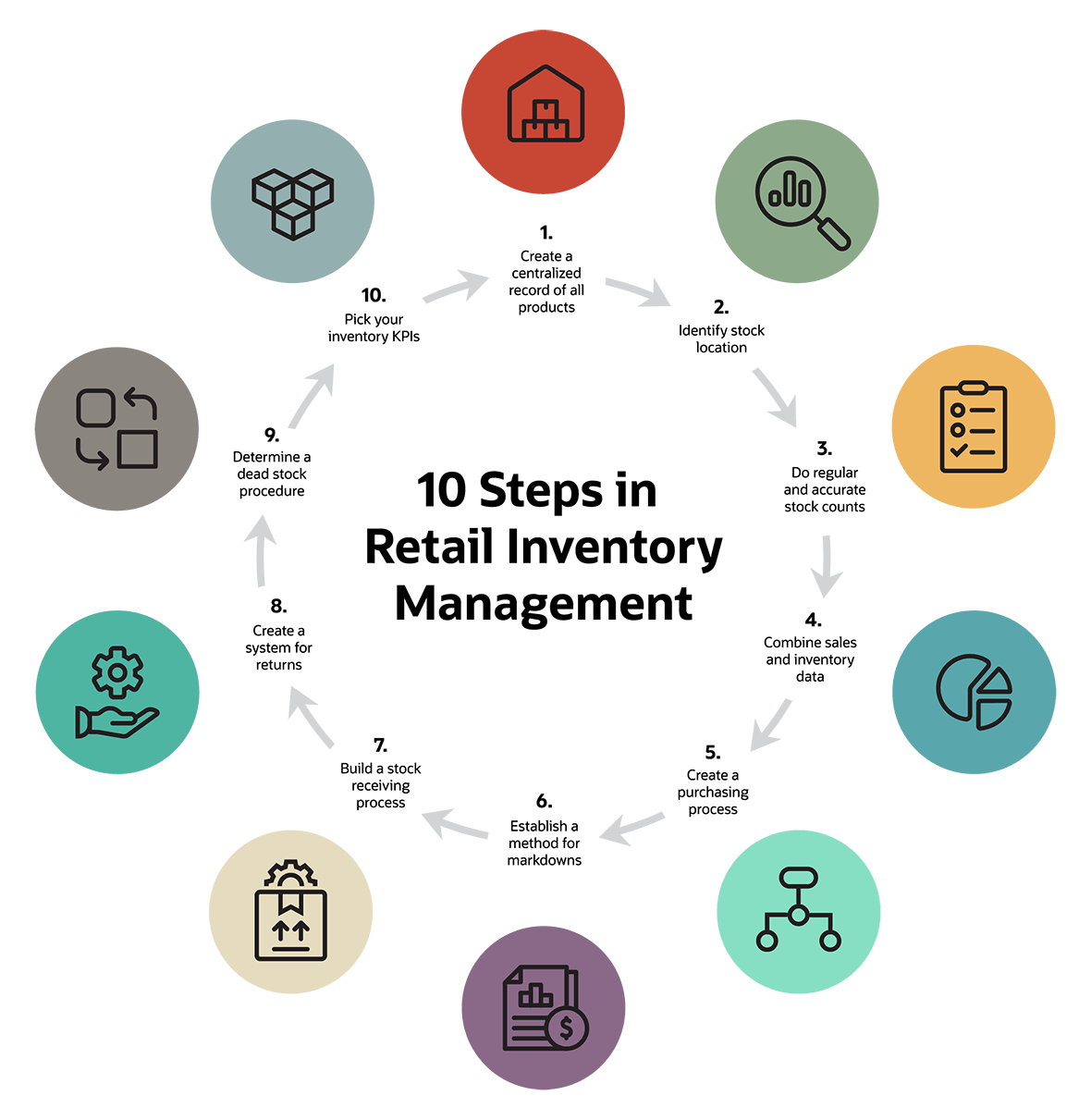
6. Stock & Inventory Tracking
An ideal billing system tracks inventory automatically based on sales.
Check:
- Does it reduce stock when an item is sold?
- Does it alert low stock?
- Can you see which items sell fast?
This saves time and prevents emergency restocking.
7. Bill Professionalism & Customization
Your bill is part of your brand.
Choose software that lets you:
- Customize bill header & logo
- Show item-wise pricing
- Add shop contact info
- Print clear and readable bills
A professional-looking bill builds customer trust and keeps records neat.
8. Data Backup & Security
Losing billing data can be painful.
Check:
- Is data stored securely?
- Is there automatic backup?
- Can you export reports easily?
Data security ensures your information is safe even if systems fail.
9. Offline Support
Internet problems are common in many areas.
Make sure the software:
- Works offline
- Syncs data once online returns
Offline billing prevents missed sales during internet outages.
10. Pricing & Hidden Charges
Price matters, but value matters more.
Before choosing:
- Check subscription cost
- Ask about installation fees
- Check hardware requirements
- Know support costs
- Ask about upgrade charges
Some billing systems look cheap at first but become expensive later.
11. Mobile or Tablet Compatibility
Today, many shop owners prefer billing on mobile or tablet.
Check if:
- The software has a mobile app
- It works on both Android and tablets
- The UI adjusts properly
Mobile billing increases flexibility and reduces hardware cost.
12. Customer Support Quality
Good software must have good support, especially when you are new.
Check:
- Is support available via call or chat?
- Response time
- Training provided
Poor support will waste your time and slow down your shop during issues.
A Practical Billing Software Option Worth Considering
Many shop owners find the right balance between features, cost, and simplicity in lightweight POS billing tools designed for everyday retail needs. Solutions like Sellbii POS are built keeping small and medium Indian shops in mind. Before choosing any billing software, compare how your options stack up against the checklist above.
The right software doesn’t just generate bills—it:
- Saves time at the counter
- Improves billing accuracy
- Supports multiple payments
- Provides clear sales data
- Helps manage stock
These are key elements of a smart retail business.

Note: An affordable billing system helps you win time and customer trust without complex hardware or high costs.
Simple Billing Software Checklist (Printable)
✅ Easy to use
✅ Fast billing
✅ Multi-payment support (UPI, Card, Cash)
✅ Correct tax handling
✅ Sales reports & analytics
✅ Inventory tracking
✅ Professional bill design
✅ Data backup & security
✅ Works offline
✅ Fair pricing
✅ Mobile compatibility
✅ Good customer support
Final Thoughts
Choosing the right billing software can feel overwhelming, but the right questions make it simple. Focus on speed, accuracy, reports, payment support, and future growth. A billing system isn’t a cost—it’s a tool to save you time, reduce stress, and organize your shop for long-term success.
As business needs grow, shops that adopted the right billing system early often find it easier to expand, manage peak hours, and serve customers faster.
Remember:
💡 Good billing software helps you run your shop smartly—not just bill smarter.